 HackingPassion.com
FreeCell From 1993 Still Runs Unchanged on Windows 11
Ethical Hacking Complete Course Zero to Expert
Hack like black hat hackers. Penetration testing, Kali Linux, WiFi and web hacking, and the hacker mindset behind it.
→ Take the full courseA file from 1993 opens on a fully updated Windows 11 in 2026 and plays like nothing ever changed. It is FreeCell, the card game, 33 years old. What makes it run is the same reason dangerous old code lingers in Windows.
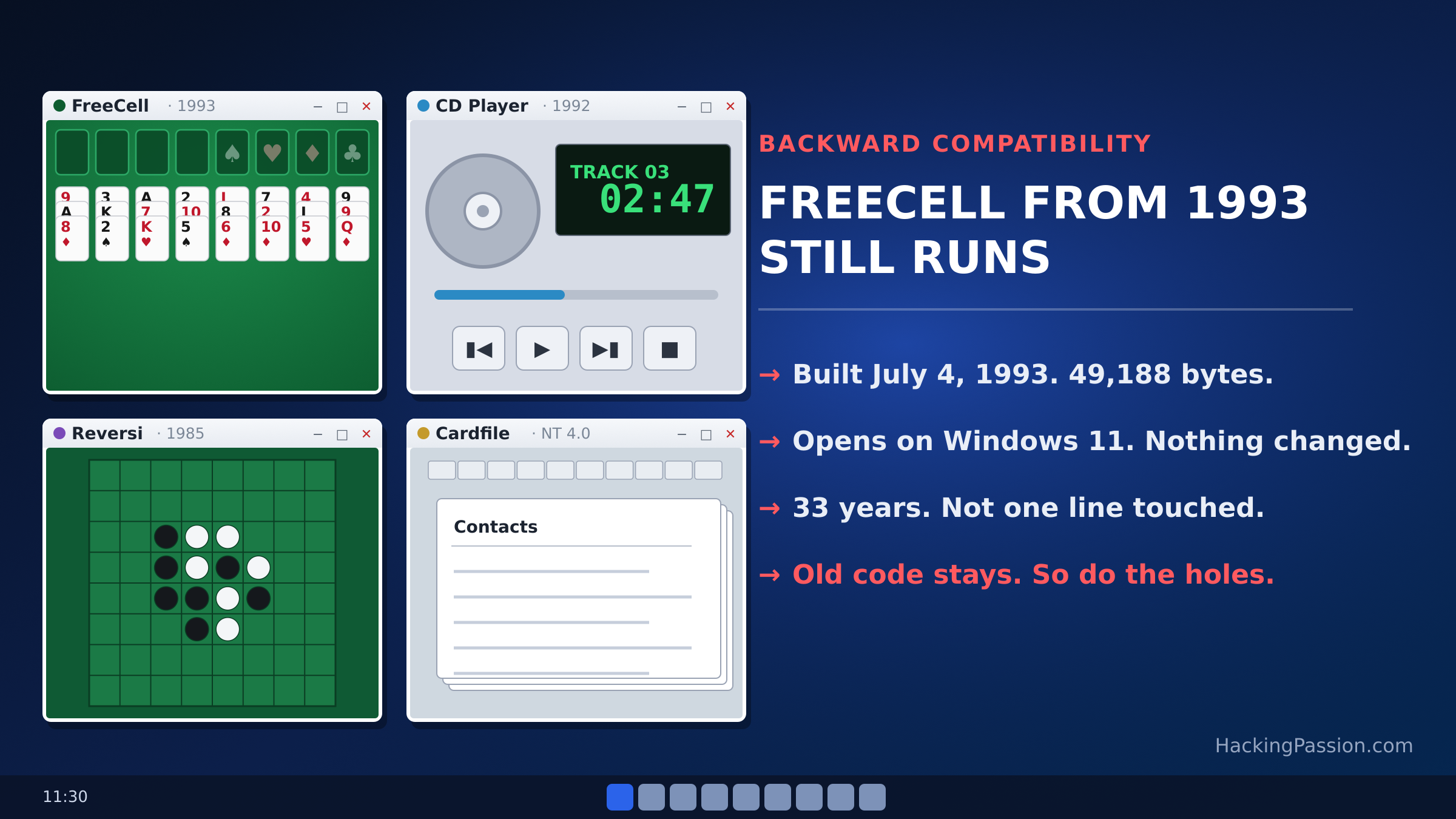
The program is FREECELL.EXE, and the copy that still works is the one that shipped with Win32s, an add-on from 1993 that let early 32-bit software run on Windows 3.1. The file was built on July 4, 1993. It is 49,188 bytes. Copy it and its own CARDS.DLL onto a Windows 11 machine, double-click, and the green table with the four free cells in the corner opens.
Win32s itself was a temporary measure. In 1993 the computer on an ordinary desk still ran Windows 3.1, which was a 16-bit system, and Microsoft wanted to give developers a way to start writing the 32-bit software that Windows NT and later Windows 95 would need. Win32s was that link, a set of extra files added to Windows 3.1 that translated 32-bit calls down to the 16-bit system underneath. FreeCell came along with it, and because it was built as a proper 32-bit program, it is the same kind of program Windows 11 still runs today.
I read the file itself instead of trusting the story. Inside, the description still says “Entertainment Pack FreeCell Game,” with the line “Copyright © Microsoft Corp. 1981-1993.” It asks Windows for five things and no more: KERNEL32, USER32, GDI32, SHELL32, and its own CARDS.DLL, the small library that draws the deck. The first four are core Windows files, and they are sitting on your machine right now, under the same names, doing the same work they did in 1993.
That is the reason it still opens. A 32-bit program like this one reaches a 64-bit machine through a translator called WOW64, which Microsoft describes as the x86 emulator that lets 32-bit Windows applications run on 64-bit Windows. WOW64 comes with the system and is always present. It keeps the old program and the modern one apart, hands FreeCell the 1993-era interfaces it expects, and translates between the two. The game has no idea it is running on a 64-bit machine.
Where Windows keeps all of this holds a joke. The 64-bit system files sit in a folder called System32, and the 32-bit ones, the kind FreeCell needs, sit in a folder called SysWOW64. The names look backwards, and they are, kept that way on purpose so that old programs looking for System32 would still find what they expected. FreeCell asks for its four Windows libraries, Windows quietly points it at the 32-bit copies in SysWOW64, and the game never notices the switch.
What it cannot do is go back one more step. Windows 11 is 64-bit only, and 64-bit Windows does not run 16-bit programs at all. Microsoft gives a plain reason for that line. Windows keeps track of open windows and files with small numbers called handles, and on a 64-bit system those numbers are too large to hand to a 16-bit program without losing part of them. Try to launch a 16-bit application and Windows stops with one error, ERROR_BAD_EXE_FORMAT.
So the games from the first Windows, like Reversi from 1985, will not start on their own. Windows 11 cannot run them without help. You need something like otvdm, a free and open-source tool that imitates that old 16-bit world, or a virtual machine with an old Windows inside it. otvdm is a community project, a reworked version of an older 16-bit Windows emulator, ported to 64-bit Windows. The person who went hunting for the oldest Windows program that still runs called leaning on it “cheating,” and that is fair. Reversi needs that crutch. FreeCell does not.
Between those two sits an even older survivor. A CD player program linked in November 1992, from an early test build of Windows NT, still runs on Windows 11 as well. It works because of one file, crtdll.dll, an early Microsoft C runtime library from that time. Windows 11 still ships it, tucked into SysWOW64 where the 32-bit pieces live. The 1992 program asks for that file by name, finds one exactly where it expects, and runs.
And then, in late March 2026, that forgotten file caused a mess. A Windows 11 update replaced crtdll.dll with a different library that did not hold the same functions inside. Users who looked closely reported the file’s version had jumped from 4.0.1183.1, a number from the 1990s, to 10.0.26100.8115, a modern Windows build, and that the replacement sent programs to a different runtime than the one they were written for. Old 32-bit programs that leaned on it stopped starting. People who still used decades-old tools noticed within days. One wrote, “I still use this app and it has always worked until today,” after Cardfile, the index-card program that came with Windows from version 1.01 up to NT 4.0, suddenly refused to open. These are reports from users on Microsoft’s own forums, not an official notice. On April 14, the Patch Tuesday update put the old version of the file back. The game keeps running because Microsoft almost never touches these pieces, and when it did, things broke within days.
This is a choice, and Microsoft has made it for a long time. Raymond Chen, an engineer who has written about the inside of Windows for over twenty years, once told a story that captures it. A popular MS-DOS game from 1994 refused to run on Windows 95 if the computer had more than 16 megabytes of memory. The game was written for an older processor that could not count past that. Microsoft fixed it on its own side. It built a setting into Windows for that one game that said, in Chen’s words, “Never give this program more than 16MB of memory.” As he put it, the game then ran better under Windows 95 than it did under plain MS-DOS, where it would have crashed. Multiply that by thousands of programs across decades, and you get the Windows you use now, an operating system that carries its past with it so that almost nothing ever written stops working.
That is a gift if you depend on old software. It is also a problem, because code that never leaves is still there for an attacker to abuse. The parts Windows keeps for the sake of the past can also be used, and some of them have been.
The clearest example is the modem drivers. For years Windows shipped with drivers for Agere soft modems, the dial-up hardware that few people have owned since the 2000s. The hardware was gone, but the drivers stayed, loaded and trusted, on fully updated machines. Then researchers found a flaw in one of them, ltmdm64.sys, tracked as CVE-2025-24990. Microsoft’s own advisory says attackers were already using it, and that it let them gain administrator rights on the machine. It reached all supported versions of Windows, Microsoft notes, even when no modem was in use, because the driver was simply there.
In October 2025 Microsoft removed the driver from Windows instead of patching it. Three months later, in January 2026, it did the same with a second Agere modem driver, agrsm64.sys, CVE-2023-31096, which could hand an attacker full SYSTEM control, the highest level on a Windows machine. That second flaw had been public since October 2023. The driver sat inside Windows for more than two years after the way to abuse it was out in the open, until Microsoft finally pulled it out.
The modems were hardware. The deeper version of this lives in a feature built for the exact purpose that keeps FreeCell running: making old software work on new Windows. It is called application compatibility, and Windows lets an administrator install fixes, called shims, that sit between a program and the system and change how the two talk. Microsoft ships a tool for it, sdbinst.exe, that registers these fixes so Windows applies them each time the program starts. It is meant for a company with an old in-house program that would otherwise break. Windows stores a shim as a small database file, an .sdb, and keeps a record of which ones it has registered. The database that comes with Windows, sysmain.sdb, holds its built-in fixes for old programs and belongs there. The worry is a custom database the owner never created, because a registered shim runs quietly and early, and installing one needs administrator rights.
Attackers worked out that the same mechanism is a quiet place to hide. A shim loads automatically and early, each time its target program runs, which is what someone who has broken into a machine wants for staying power. The public catalog of attacker techniques kept by MITRE lists this plainly. It names groups and malware that have used it to keep their access and climb to higher rights, among them FIN7, ShimRat, Pillowmint and SDBbot. Some shims can switch off protections Windows leans on, like the one that stops code from running in memory it should not. Others can slip past the permission box Windows shows before a program is given more power. The feature that keeps a 1993 card game alive is the same one that lets a break-in survive a reboot.
You can look at this on your own machine, and you do not need anything beyond what Windows already has. Windows records the registered fixes in the registry, under AppCompatFlags, and that record points to where each database actually sits. The AppPatch folder in your Windows directory is the usual spot, but a custom database can live in any folder, so the registry entry is the thing to follow. A home machine normally has the standard system database and nothing custom. If you find a custom shim database you never set up, that is one to look into, and Microsoft’s own sdbinst tool is what removes it, with sdbinst -u and the file. On a normal personal computer there is rarely a reason for a custom one to exist.
A card game from 1993 still deals its first hand on Windows 11 because Microsoft decided, long ago, that the past should keep working. That decision is why your old programs still run, and it is why the oldest corners of Windows deserve your attention, on the good days and the bad ones.
Could you list the compatibility fixes registered on your own Windows, and spot any you never set up yourself?
My Ethical Hacking Complete Course Zero to Expert takes you there step by step: reconnaissance, scanning, exploitation and traffic analysis, hands-on, from your first day with no Linux or hacking background.
→ Join my complete ethical hacking course
Hacking is not a hobby but a way of life.
Sources:
Microsoft: Running 32-bit Applications | MITRE ATT&CK: Application Shimming | MSRC: CVE-2025-24990 | MSRC: CVE-2023-31096
Stay updated
Get the latest posts in your inbox every week. Ethical hacking, security news, tutorials, and everything that catches my attention. If that sounds useful, drop your email below.