QR Codes: What You Need to Know
Want to learn ethical hacking? I built a complete course. Have a look!
Learn penetration testing, web exploitation, network security, and the hacker mindset:
→ Master ethical hacking hands-on
(The link supports me directly as your instructor!)
Hacking is not a hobby but a way of life!
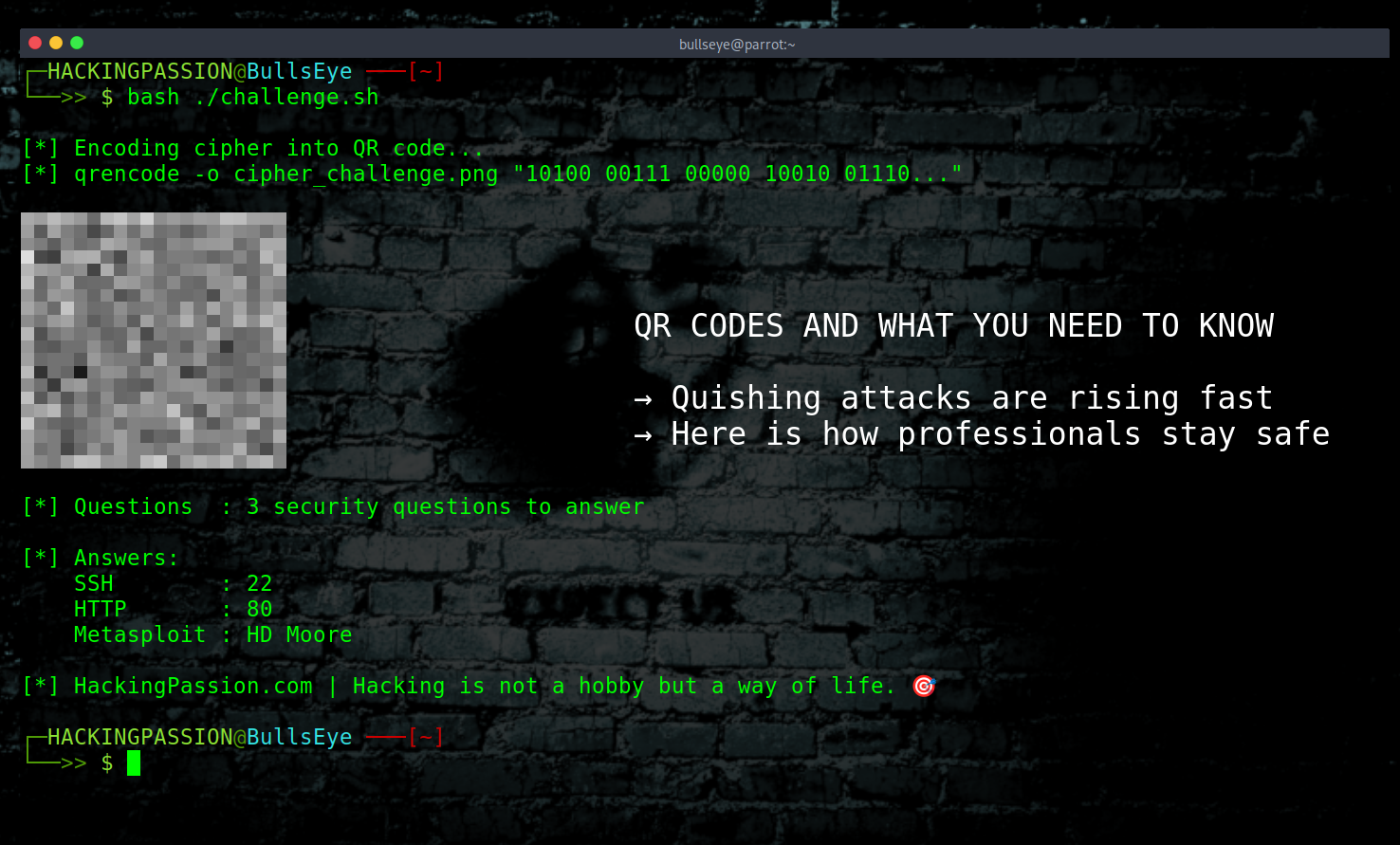
Yesterday, I posted a QR code challenge on this Ethical Hacking page, and it has since been removed. A cipher, hidden inside a QR code, with three security questions and a prize. The comments that followed gave me a good reason to write about this, because this is a topic that deserves a proper explanation.
The comments came in fast. “You should never scan a random QR code.” “This is a trap.” “You failed the first part just by scanning.” “Hackers know better than to do this.” And honestly, that reaction makes sense. You see a QR code on a hacking page, you do not know what is inside it, and being careful is right. But being careful does not mean refusing to engage. It means knowing how to approach it.
A QR code is just encoded data. Black and white squares arranged in a pattern that a scanner can read. What it contains can be text, a URL, contact details, a Wi-Fi password, literally anything you can put into a string of characters. The code itself does nothing. What matters is what your device does with the content inside it.
And that is where things can go wrong.
When a QR code contains a URL, it can take you to a fake website designed to steal your login credentials or payment details. That is the most common attack, and it works because people scan first and think later. But it goes further than that. Some QR codes are specifically built to trigger an automatic file download the moment you scan them. On Android devices in particular, that download starts the moment the page loads. The installation follows through fake warnings and screens designed to pressure you into tapping install without thinking. On unpatched devices, even that step can be skipped entirely. There are documented cases of physical letters being sent through the post containing QR codes that delivered a banking trojan directly to Android phones this way.
QR codes can also connect your device to a fake Wi-Fi network automatically, where everything you do online can be intercepted. And then there is QRLjacking, where an attacker clones the login QR code of an app like WhatsApp Web or WeChat, puts it on a phishing page, and the moment you scan it, the attacker gets access to your account instead of you. No password needed.
The biggest attack trend right now is quishing, which is QR code phishing. Attackers print fake QR code stickers and place them over legitimate ones in public places. Austin found 29 compromised parking meters. Houston found more. Redondo Beach found 150. New York City issued public warnings. The fake stickers look identical to the real ones, and when you scan them in a hurry, your payment details go straight to the attacker. Restaurant tables, conference badges, fake emails with QR codes inside PDF attachments impersonating Microsoft and DocuSign, all hit with the same technique.
So yes, the caution is justified. On a regular device, with no protection, scanning an unknown QR code can cause real damage.
The difference is in how you approach it.
Start on your phone. Use a QR scanner app that shows you the full URL before it opens anything. That one step alone stops most attacks, because you can see where it is actually going before your device ever loads it.
For deeper checking, the simplest option is ZXing.org. Upload a screenshot of any QR code and it will decode the contents for you in seconds, without your phone ever going anywhere near it. QRCodeRaptor and ScanQR.org do the same thing. You get the raw text or URL straight on your screen, and you can decide what to do with it before you ever open anything. If you want to go a step further, RevealQR decodes the QR code and then runs the URL through VirusTotal, which checks it against more than 80 different antivirus and threat intelligence engines simultaneously. By the time you finish reading the result, you already know whether the link is clean.
If you want to actually visit the URL and see what is there, that is where a virtual machine comes in, and this is what professionals use. VirtualBox is free and runs on Windows, Mac, and Linux. You install it once, then download a pre-built VM image and import it with a double-click. No installation process, no configuration. Kali Linux offers official pre-built VirtualBox images at kali.org, ready to go. REMnux is another option, specifically built for malware analysis. Whatever happens inside that VM stays inside that VM. You take a snapshot before you start, visit the URL, look at what is there, and when you are done you revert to the snapshot and the entire session is gone. Nothing carries over. Nothing reaches your real system.
For people who do not want to run their own VM at all, there are online sandboxes that handle everything remotely. ANY.RUN lets you upload a QR code image directly and automatically extracts the URL and opens it inside an isolated cloud VM, and you watch the session in your browser. Joe Sandbox does full behavioral analysis on URLs and files, showing you exactly what a site or file tries to do. Browserling gives you a live browser running on their servers, nothing touches your machine, and when you close the session the VM is destroyed. urlscan.io visits the URL for you, takes a screenshot, and maps all the connections the site makes, without you ever loading it yourself.
If you want to understand how isolated environments work, how attackers build phishing and social engineering campaigns, and how professionals investigate suspicious content without putting themselves at risk, this is exactly the kind of thinking my course covers from the ground up.
(The link supports me directly as your instructor!)
Hacking is not a hobby but a way of life.
→ Stay updated!
Get the latest posts in your inbox every week. Ethical hacking, security news, tutorials, and everything that catches my attention. If that sounds useful, drop your email below.